DESK SETUP
Small Gaming Desk Setup Ideas That Leave Room to Play
A small gaming desk needs space for your mouse, keyboard, and the things you reach for between games. Start with the way you use the desk, then add one character accent that also has a job to do.
Start with your mouse movement, not your decorations
Before adding cute PC decor, sit down and move your mouse through the space you actually use. Place your keyboard where it feels comfortable and check where your hands land when you reach for your controller or phone. That area is your working space. Keep decorative pieces outside it.
Try a layout using what you already own: screen at the back, keyboard in front, and everyday accessories to one side. A small desk does not need a matching set of new accessories to feel intentional.
Give your glasses one reachable spot
If you take your glasses off between sessions, choose a level spot beside the monitor where you can reach them without stretching across your keyboard. Avoid the front edge, loose cables, and the place where you set a drink.
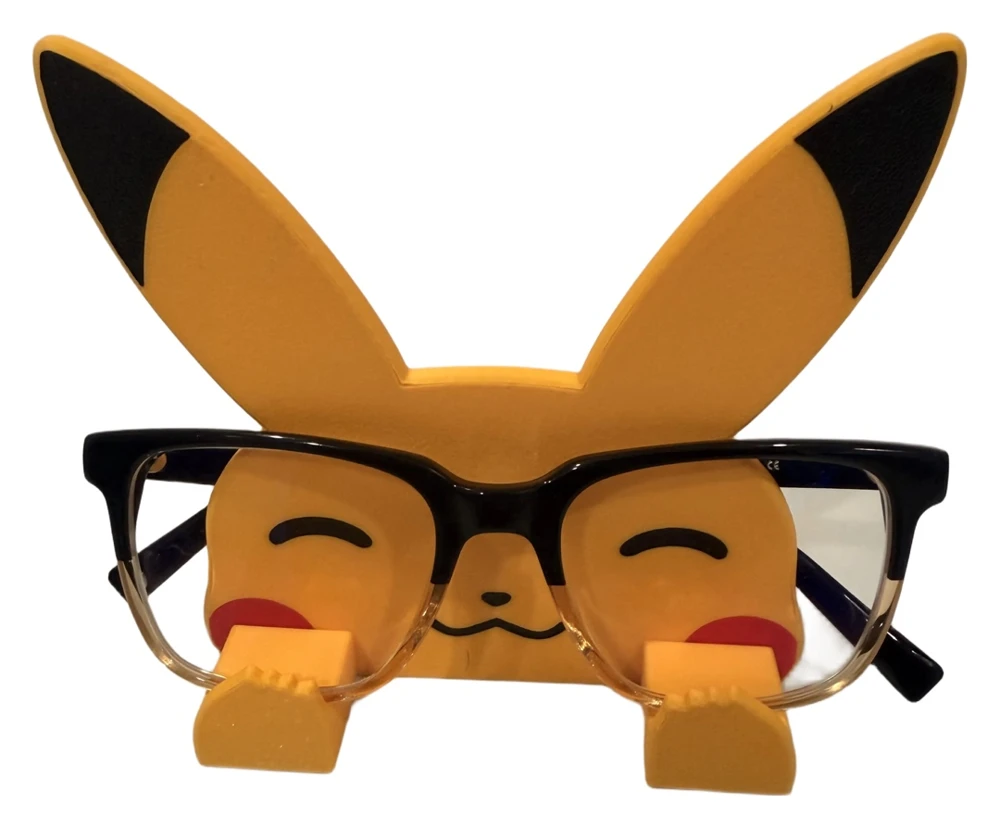
A Pikachu glasses holder adds a yellow accent while giving your frames a visible resting place. The design has a flat back with no tail. Leave room behind it for the glasses arms rather than pushing it tightly against a wall. A stand is for resting glasses; use a suitable case when you need enclosed storage.
Pick a color story with one character
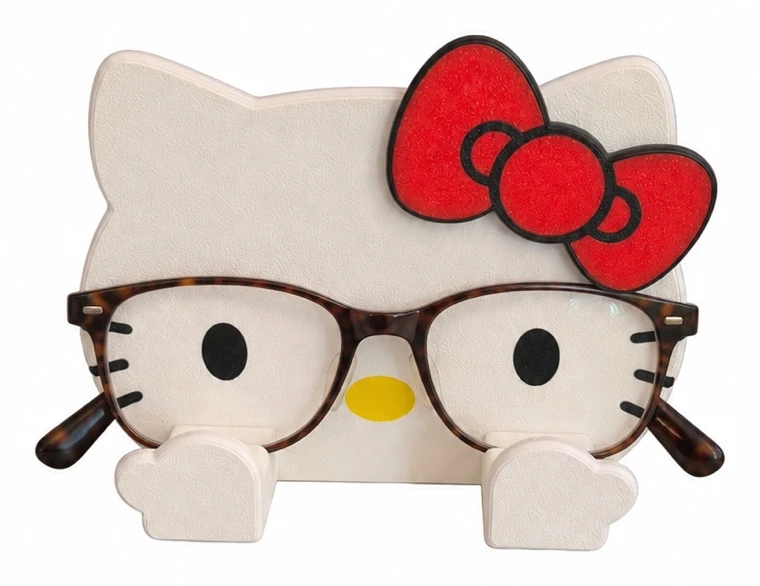
For a Pokémon-inspired desk, repeat a little yellow or black from the Pikachu holder in an accessory you already have. For a kawaii desk setup, the Hello Kitty glasses holder offers a white body with a red or purple bow. Choose the bow that works with your desk mat or keyboard.
Use the character as one focal point and leave some surface visible around it. If a decoration blocks a drawer, crowds your mouse, or makes cables harder to reach, move it to a nearby shelf.
Check the space before choosing a holder
Pikachu is approximately 4 inches tall in Adult size or 3 inches in Child size. Hello Kitty is approximately 5 inches or 3.5 inches, respectively. These are heights, not the full footprint: allow extra room for the frames and their arms, and compare the front and back product photos before ordering.
- Check clearance beneath a monitor shelf.
- Keep the holder outside your PC case and away from vents and warm exhaust.
- Rest the glasses on the front supports, fold the arms behind, and check stability before letting go.
Finish with a setup you can reset
At the end of a session, put the controller away, return glasses to their spot, and clear cups from the desk. A layout is easier to keep tidy when each everyday object has somewhere to go. For a closer comparison of the two designs, see our cute PC decor collection guide.
Common questions
Can I use a glasses holder on a small gaming desk?
Yes, if there is a level, stable spot with enough room for both the holder and your frames. Check the product photos and height, keep your mouse area clear, and allow room for the arms behind the holder.
Should the holder go inside my PC case?
Place it on the desk or a shelf outside the case. Keep it clear of fans, vents, and warm exhaust.